Going back to NixOS
25.03.2026

My journey with NixOS and why I stopped using it
My journey with NixOS began at February, 2025, according to my NixOS config repository. At the beginning, it was really pleasant experience – everything can be easily configured editing just one file. Everything I configure can be easily synced across all my devices. And I can be truly sure, that everything I configure would work.
But there was one really huge problem – software selection. Sure, there are more and more software which is getting to work on NixOS, but I was always struggling with setting up C++ compiler and setting up censorship bypass utilities.
Thing is, NixOS does not support FHS – File System Hierarchy Standard, so you can’t just download binary file from the Web and run. There’s 90% chance that it will fail running. At that time, I failed to configure or just didn’t know about things like nix-ld or devshell, which were built to solve my issues.
And so, I figured out, that I won’t waste my time anymore messing around with my configs and went straight using Kubuntu. In that article I mainly argued about how time-consuming maintaining such config is, and that there’s no need to do such thing, because there are already distribution that have everything you need pre-configured.
Server fails
Then this happened. My VPS provider, which had my website and email running, messed up with Ubuntu 24.04 images. A faulty image update broke the virtual disks on all Ubuntu 24.04 nodes, not only mine. While, they easily found the solution, which was to connect external repair ISO and run some fsck commands, this whole experience of facing my website’s and email down for a couple of days was quite frustrating.
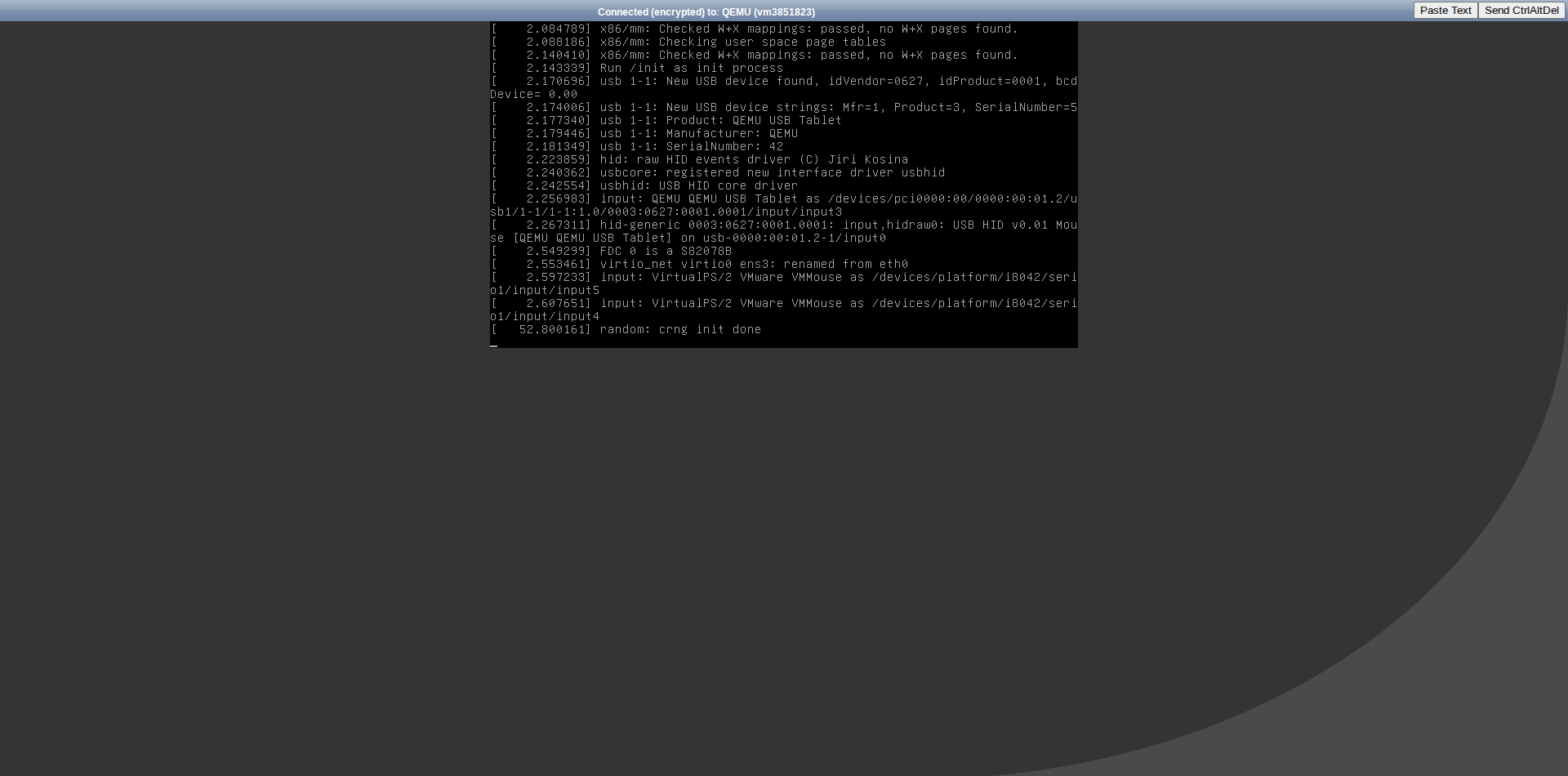
The worst part was, that I wasn’t able to do a thing, because ispmanager instance they were running was facing “natural DDoS”, when everyone were convulsively trying to repair their servers.
These incident kept me thinking about my infrastructure reliability. I remembered about this thing called NixOS once again.
NixOS on my server
After that I of course switched to another VPS provider and started writing my server’s configuration in Nix.
That was whole more pleasant experience. I spend a lot of time writing this config, especially when setting up automated website update on webhook, but when it finally worked, I was happy as shit.
Because now I have fully declarative descriptions of what my server should run. It can be easily reproduced on literally every machine. If my VPS fails once again, my website and email would be up and running in minutes, because of this wonderful thing called nixos-anywhere. This script can help me automatically deploy my NixOS configuration on every Linux machine that has Internet connection and that I have SSH access to.
My config utilizes:
- automatic Hugo website deployment from its GitHub repository upon a content update using WebHooks
- mailserver with snm (simple Nix mailserver)
- Syncthing for file synchronization between my devices
My config can be found here
Lessons
There are two lessons I learned from this:
- I should be paying more attention to my infrastructure reliability. This includes not only using NixOS, but doing backups, choosing VPS more carefully and so on
- Don’t spend too much time configuring feature X. Sometimes I catch myself trying to setup one simple feature for hours without getting some rest and thinking about the bigger picture. Sitting at the computer all the time is not healthy
Getting back to Nix Webring
This blogpost was originally written to conclude my journey with Nix and get back to Nix Webring. The current entry in the Nix Webring points to my old, legacy site (calmbookish.su), which is now dead. I’m moving away from that identity, so I’m updating my entry to point here. It’s time to replace the old link with this new, ‘correct’ one.